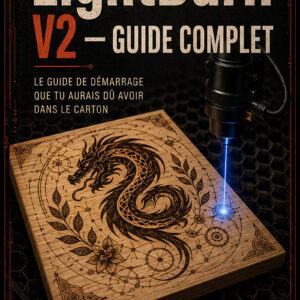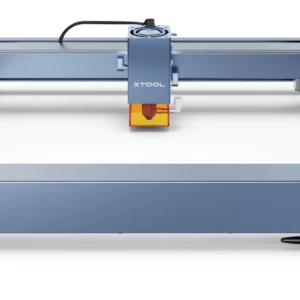
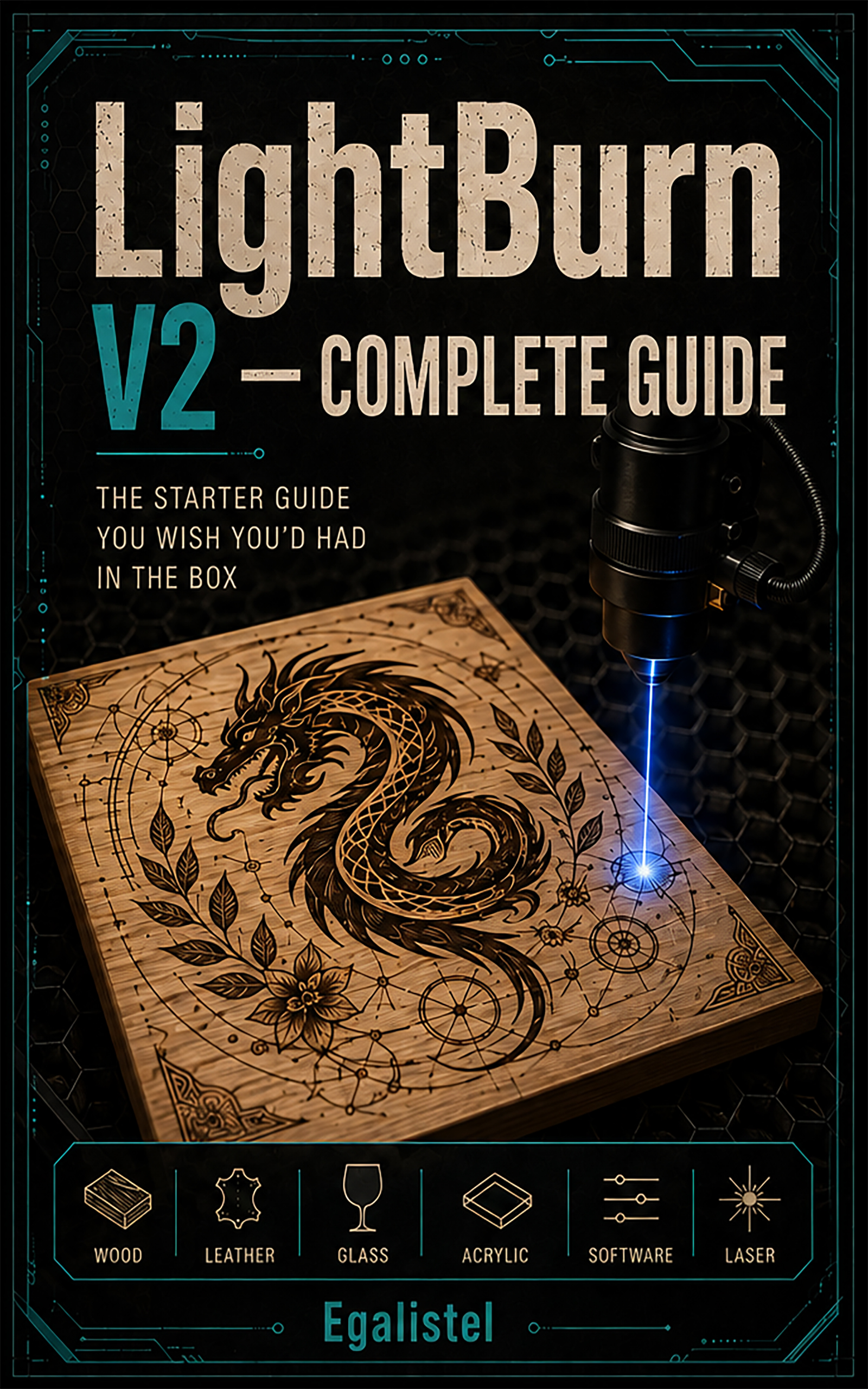
You just unboxed your diode laser. You open LightBurn, staring at a screen full of icons, and one question keeps looping: are these settings actually right, or am I about to ruin another board?
The internet is full of tutorials that barely scratch the surface, and « generic » settings charts that never quite match your machine, your wood, your glue. The result: wasted hours, wasted material, and the feeling of going in circles.
This guide was written to change that. Not a cold list of features, but a method tested at the workbench, step by step: calibrate, record, produce.
In this book, you’ll learn how to:
- Precisely calibrate your machine and generate your own test grids, instead of copying settings that never really work for you
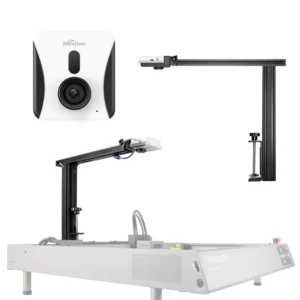
- Master LightBurn from A to Z: drawing, layers, camera, Print and Cut
- Engrave real photographs and tame the rotary axis
- Avoid the classic beginner pitfalls, and the mistakes that cost you money
- Instantly find your settings again with an organized personal library
Bonus content: a complete glossary, keyboard shortcuts, printable quick-reference sheets, and video tutorials that complement every chapter.
I didn’t learn LightBurn from a manual — I learned it at the workbench, laser running, ruining more than a few boards before figuring out what actually mattered. This guide brings together everything I wish I’d known when I started.
— Egalistel
Available on Amazon in 2 formats: eBook ($12.99) and paperback ($27.99, 340 pages, full-color interior). The button above takes you straight to the Amazon listing, where you can pick the format that suits you.